

Nano Banana 2.5
Bring your creative brief to life with Nano Banana 2.5—from art-directed portraits and product photography to bold campaign posters. Start with a prompt or reference image and create your next standout asset.
Sign in to generate. Credit cost varies by resolution and is shown on the Generate button before you start.
Creative inspiration
Nano Banana 2.5 Examples & Use Cases
Pick a product, poster, or brand example, open its prompt, and adapt it to your next project.
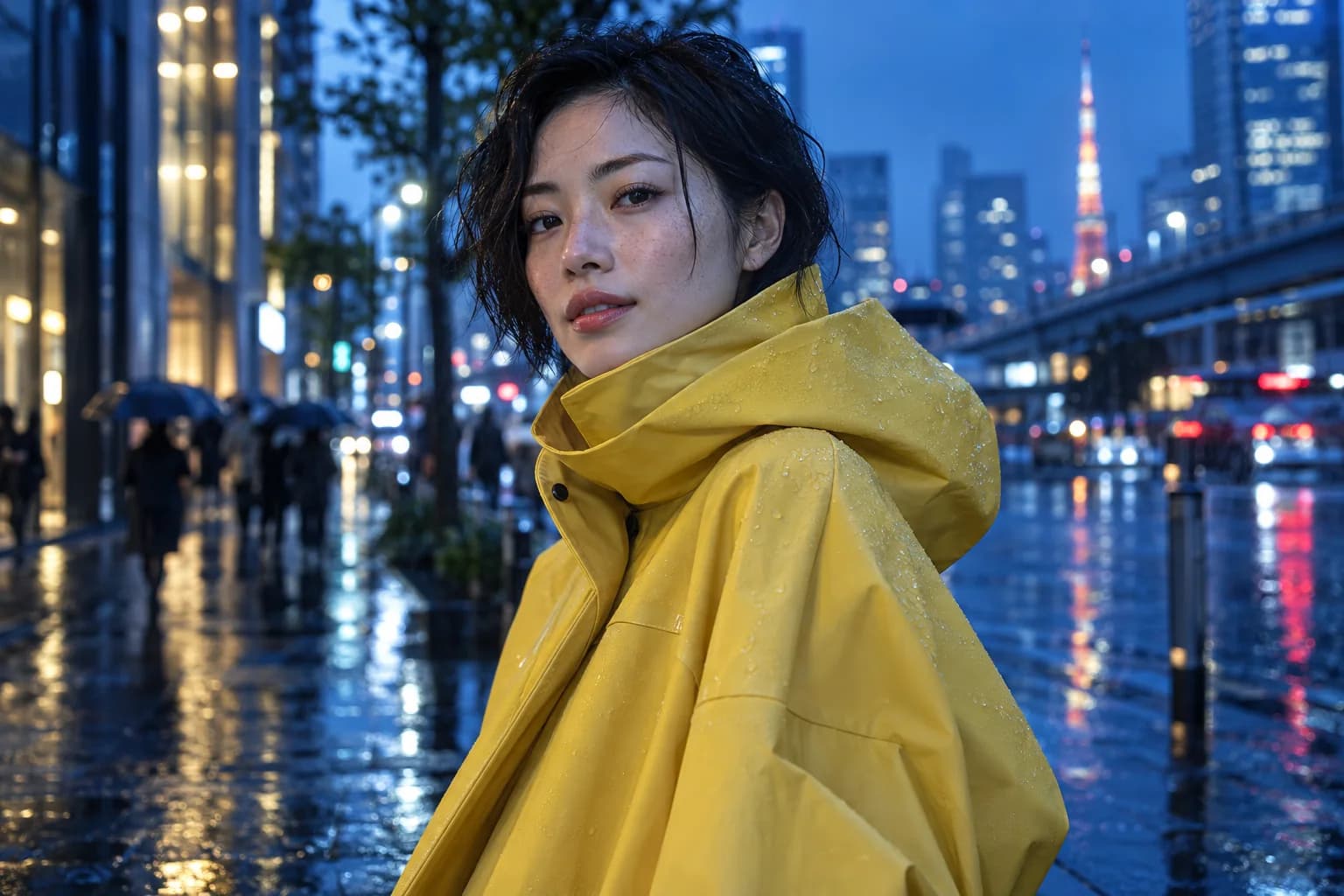
Cinematic portrait
A yellow raincoat against a blue city sets a bold color direction for an editorial campaign.
View prompt
Create an editorial portrait of an adult East Asian woman with short dark hair in a butter-yellow raincoat on a rainy cobalt-blue Tokyo street at blue hour. Natural skin texture, tiny rain droplets, soft cyan reflections, shallow depth of field, and a confident three-quarter pose. No text or logos.
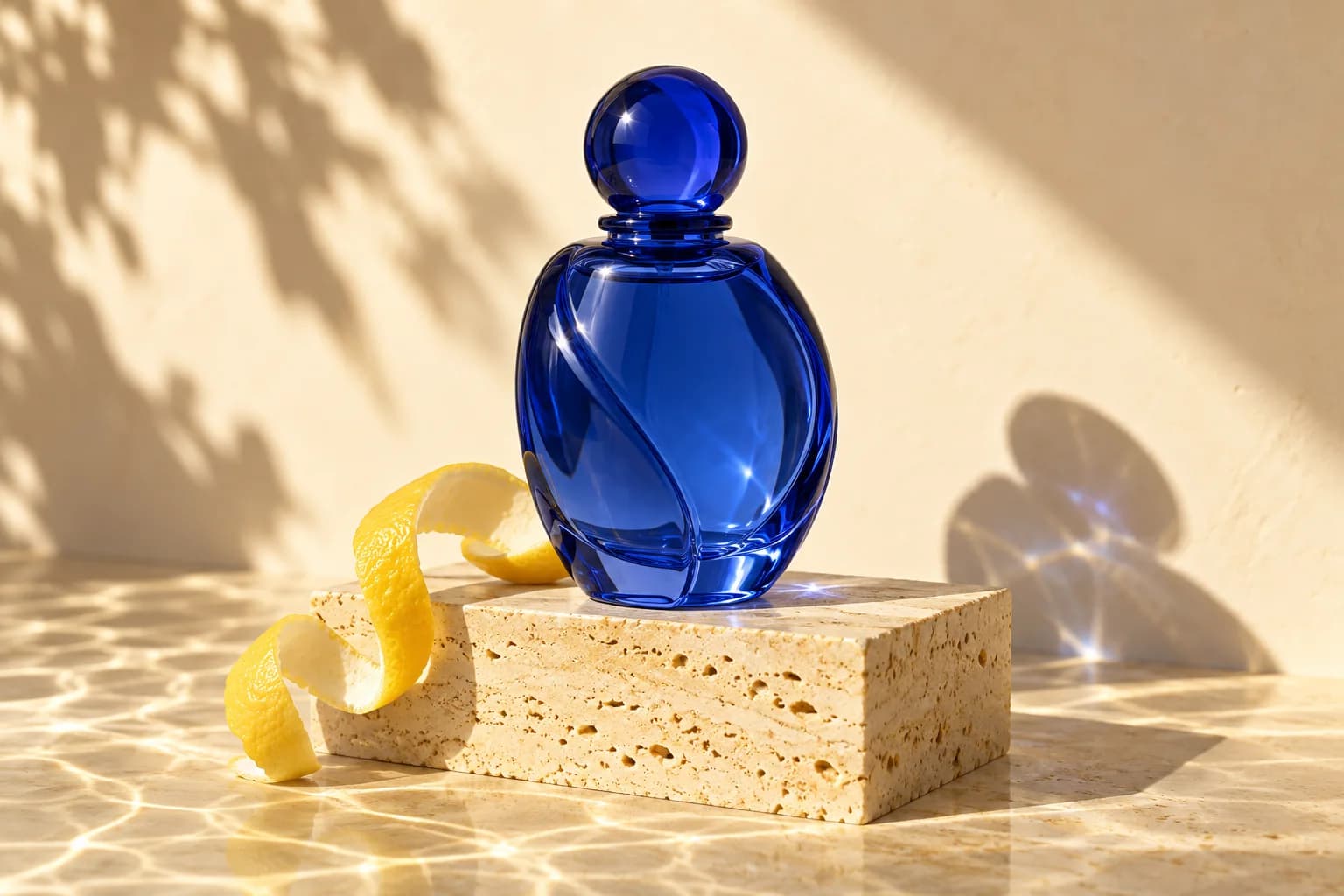
Product story
Cobalt glass, stone, and lemon peel combine into a premium product shot.
View prompt
Photograph an unbranded translucent cobalt-blue perfume bottle on a pale yellow travertine plinth, with a lemon peel curl beside it. Use hard afternoon sunlight, crisp refracted shadows, a warm cream background, realistic glass detail, and elegant negative space. No words or logos.
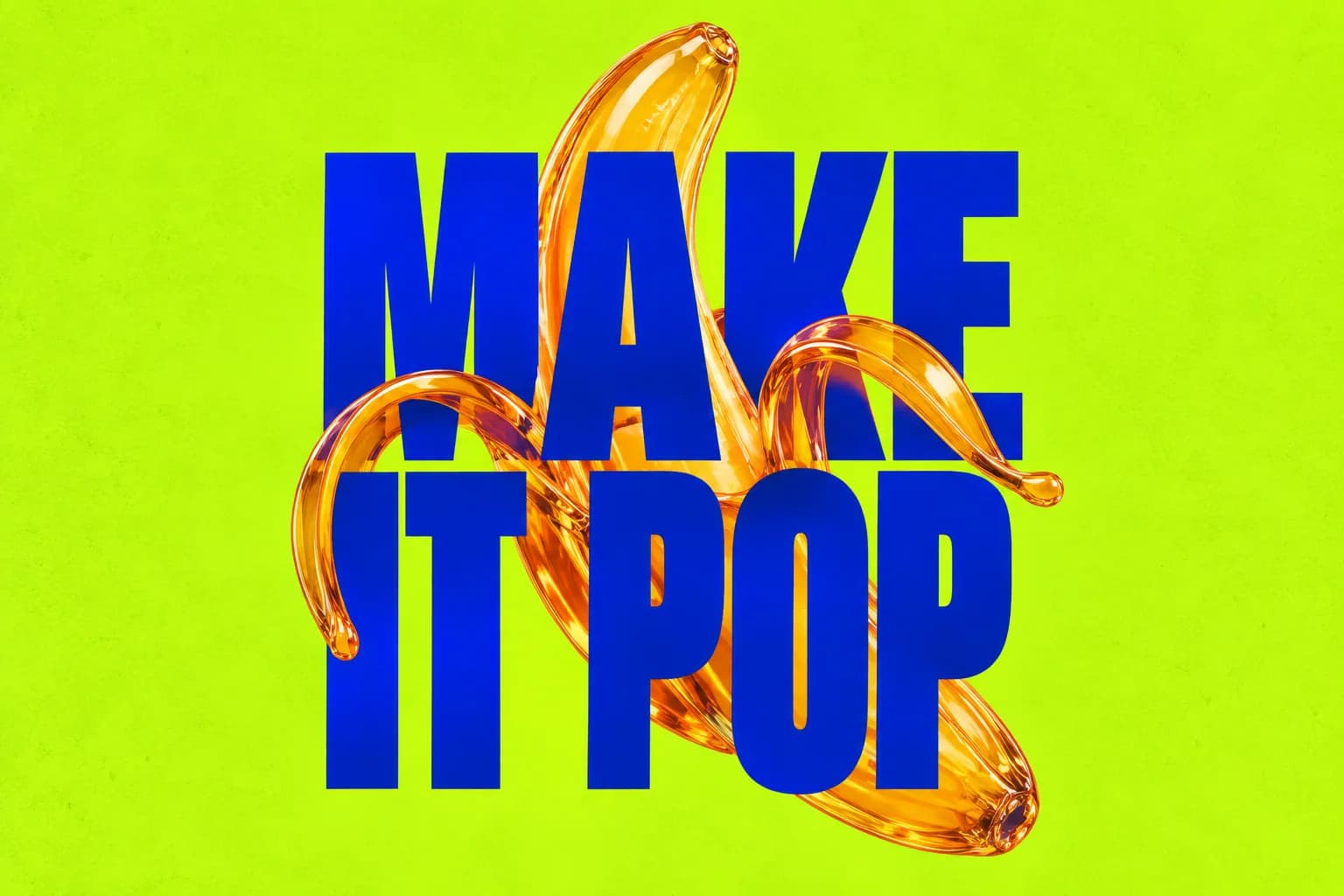
Brand typography
Lime color and oversized type make a striking launch poster.
View prompt
Design a bold poster with an electric-lime background and deep cobalt-blue condensed lettering reading "MAKE IT POP" over three lines. A translucent orange-glass banana peel curls behind the letters. Keep every word legible, with strong visual hierarchy and subtle paper texture. No extra text or logos.
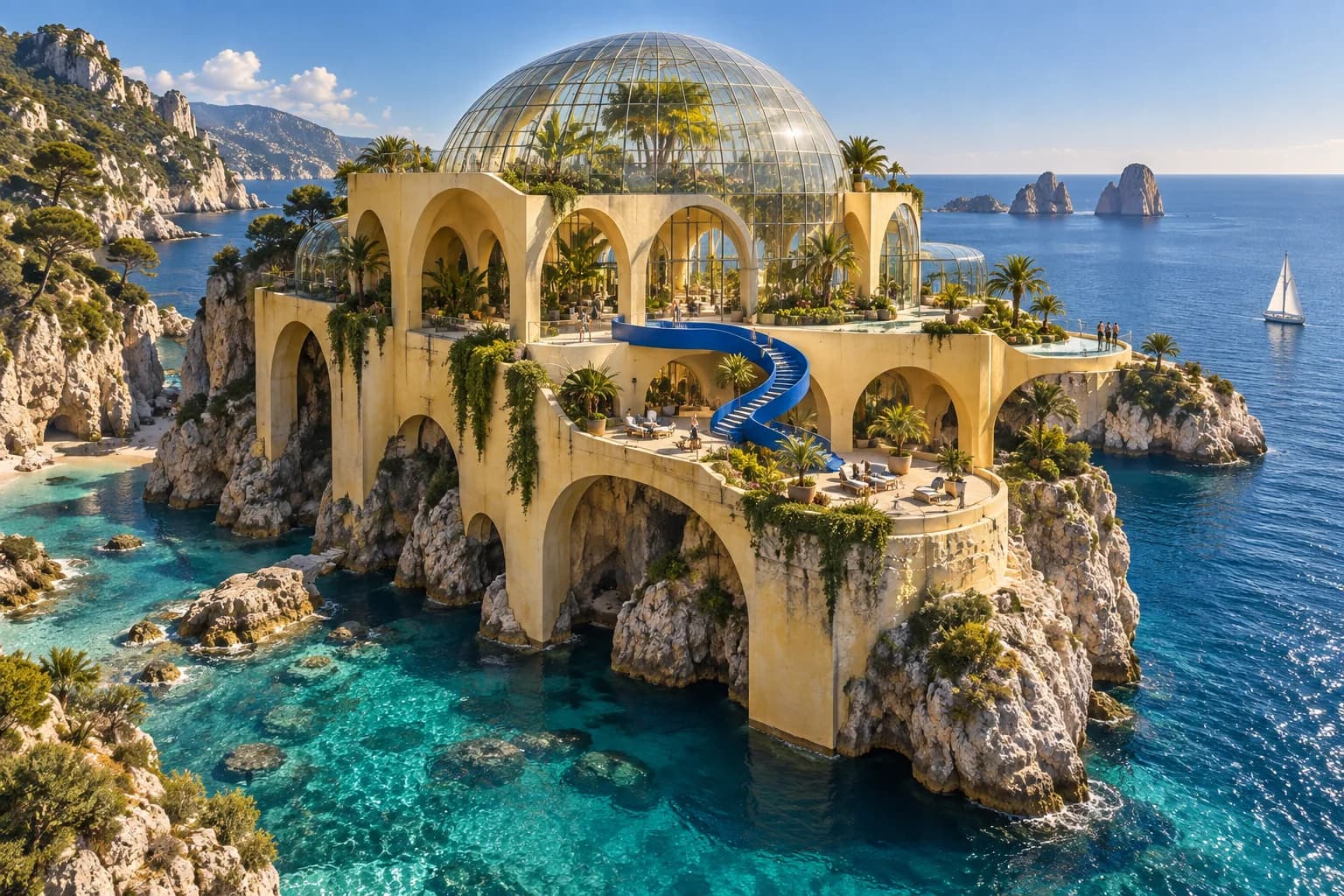
Concept world
A coastal greenhouse sets the architecture and palette for a hospitality or lifestyle concept.
View prompt
Create an architectural visualization of a pale-yellow concrete greenhouse on a rocky coast above turquoise water. Include rounded archways, terraced tropical plants, a glass dome, and a cobalt-blue staircase connecting the terraces. Clear afternoon light, realistic materials, aerial three-quarter view, no text.
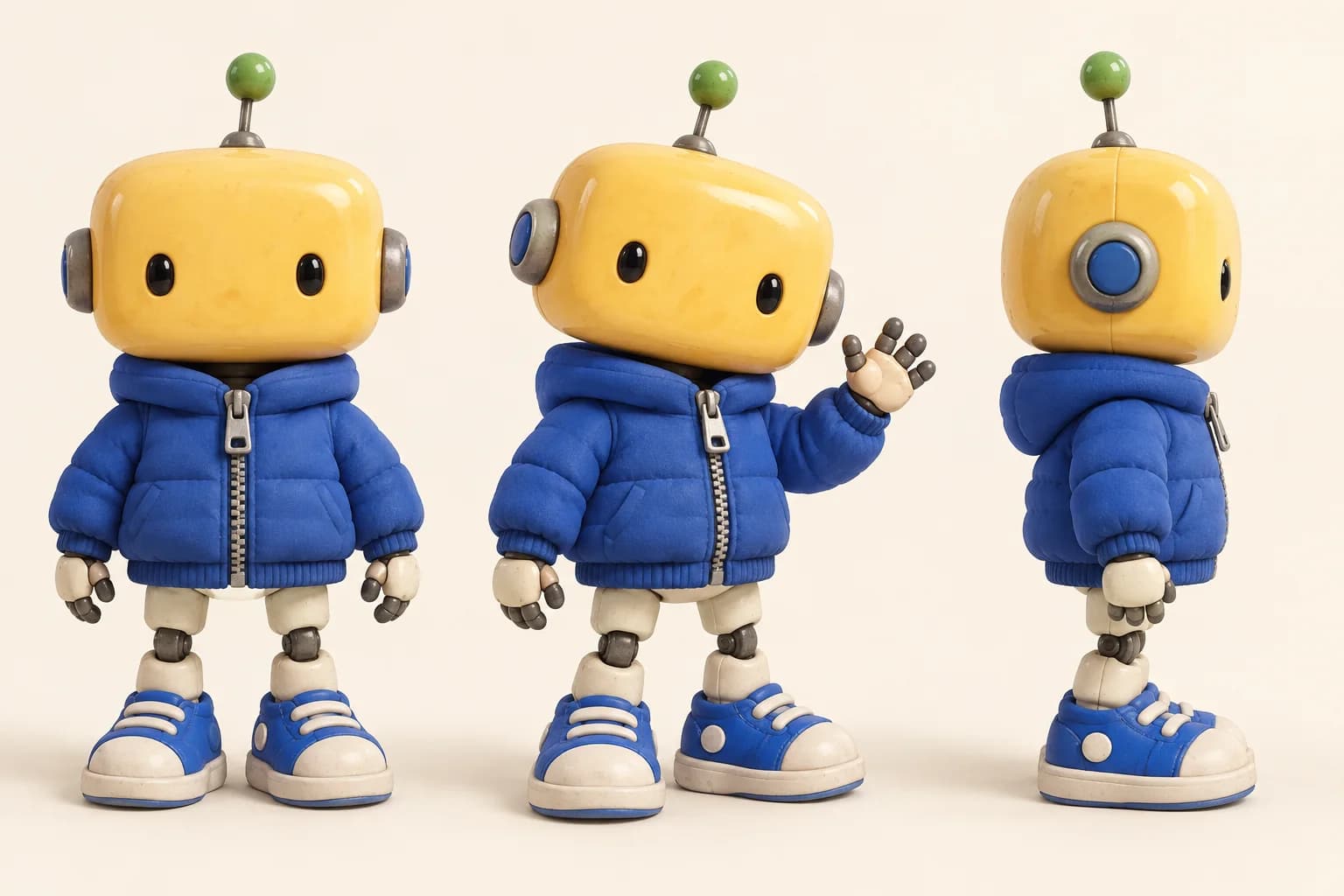
Character system
Three matching views of a ceramic robot create a ready-to-use collectible character sheet.
View prompt
Create a collectible character study showing front, waving three-quarter, and side views of the same small robot. It has a rounded yellow ceramic head, tiny black eyes, a cobalt-blue jacket, cream legs, blue sneakers, and a small green antenna. Consistent proportions, warm ivory background, soft shadows, no captions.
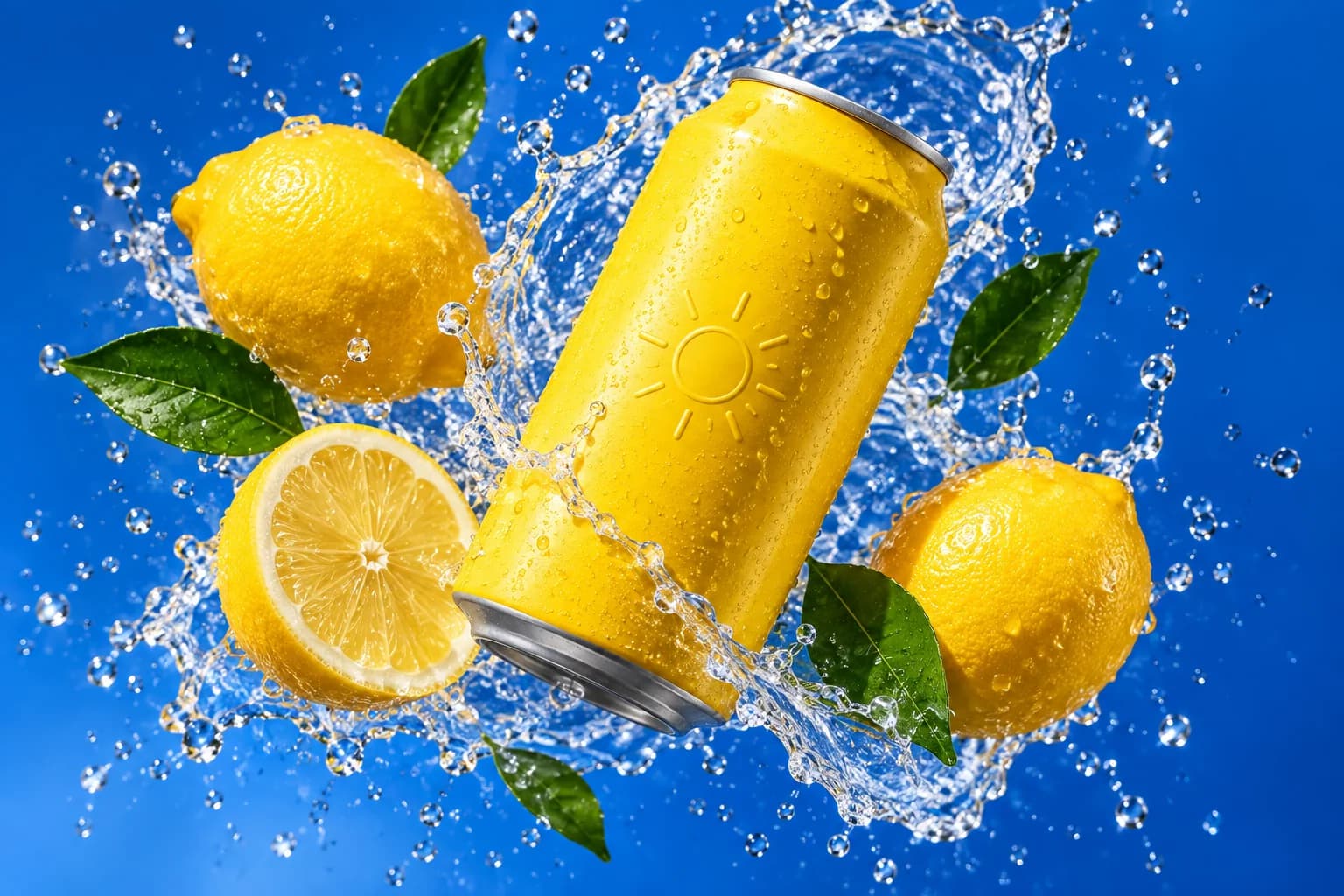
Social campaign
A floating can and a crisp lemon splash set the scene for a summer drinks campaign.
View prompt
Create a beverage campaign image with an unbranded yellow can floating diagonally among lemons, a lemon slice, and glossy green leaves. A crisp water splash curves around the can against a saturated cobalt-blue background. Sharp studio lighting, realistic droplets, energetic composition, no writing or logos.
Nano Banana 2.5
Why Choose Nano Banana 2.5?
What makes Nano Banana 2.5 a strong fit for commercial visuals.
Polished product scenes
Control surfaces, materials, lighting, and framing to create clean, premium product photography.
Posters with legible text
Render headlines and short copy clearly in multiple languages for launch posters and promotional graphics.
Consistent brand visuals
Keep palettes, products, and characters consistent across portraits, packaging, and social assets.
Up to 10 reference images
Start from your own product or portrait photos, describe the new scene, and refine it in plain language.
Three simple steps
How to use Nano Banana 2.5 online
Create an image on this page in three steps.
Enter a prompt or add references
Describe your subject, style, and composition. To use reference images, select Image to Image and upload your files.
Choose your image settings
Select an aspect ratio and resolution, then check the credit cost shown on the Generate button.
Sign in, generate, and download
Sign in and make sure you have enough credits. Click Generate, wait for your image, and download the result.
A complete image workflow
Nano Banana 2.5 Image Settings & Capabilities
Nano Banana 2.5 brings generation and editing into one continuous process.
Frequently asked questions
Nano Banana 2.5 FAQ
Everything you need to know before you start creating with Nano Banana 2.5.
Try another model
For cinematic portraits, architectural concepts, and visual storytelling, try Hy Image 3.5.
Your next visual starts here
Create your image with Nano Banana 2.5
Return to the generator, enter a prompt or add reference images, and choose your image settings.
Create with Nano Banana 2.5